

Connect your Telegram
What you'll learn
- How to turn on Telegram and connect a bot created with @BotFather
- How to get your customers to message you (the bot can't message first)
- What changes compared to WhatsApp and Instagram: no 24-hour window, no templates and no per-message cost
- How your Routes (with tappable buttons) and your tags work on Telegram
This step is optional, and Telegram is off by default. Parlario is a unified social CRM with an AI Agent for WhatsApp, Instagram and Telegram: if your customers also message you on Telegram, connecting it lets you handle them from the same Inbox, with the same team, the same AI Agent and the same Pipeline.
It's simpler than WhatsApp and Instagram: it doesn't go through Meta or any Facebook login. You create a bot in Telegram, copy its token and paste it into Parlario. There's no Meta review, and it's free: Telegram doesn't charge per message.
Need help?
Create an account on our support portal at support.parlario.co and submit a ticket. Registration is easy, and you'll only need to do it once! From there we'll help you out — you can keep going with the rest of the setup without this connection and come back to it whenever you're ready.
Turn on Telegram in Settings → Integrations
In Settings → Integrations, find the Telegram card and switch it on. The account owner does this, or whoever has implementation access to set Parlario up for you. As soon as you turn it on, the Telegram tab appears under Settings → Channels and Telegram Inbox appears in the left menu.
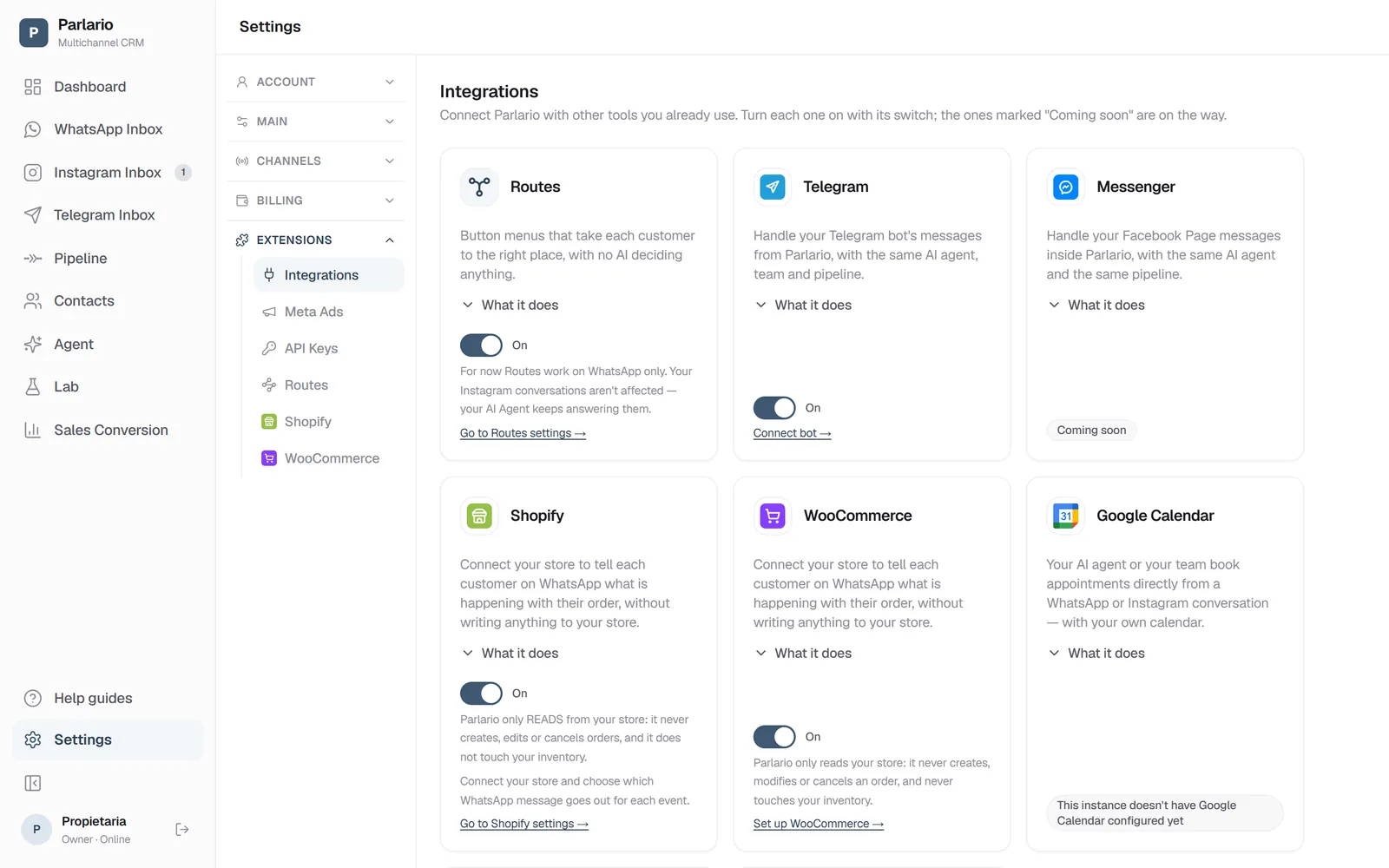
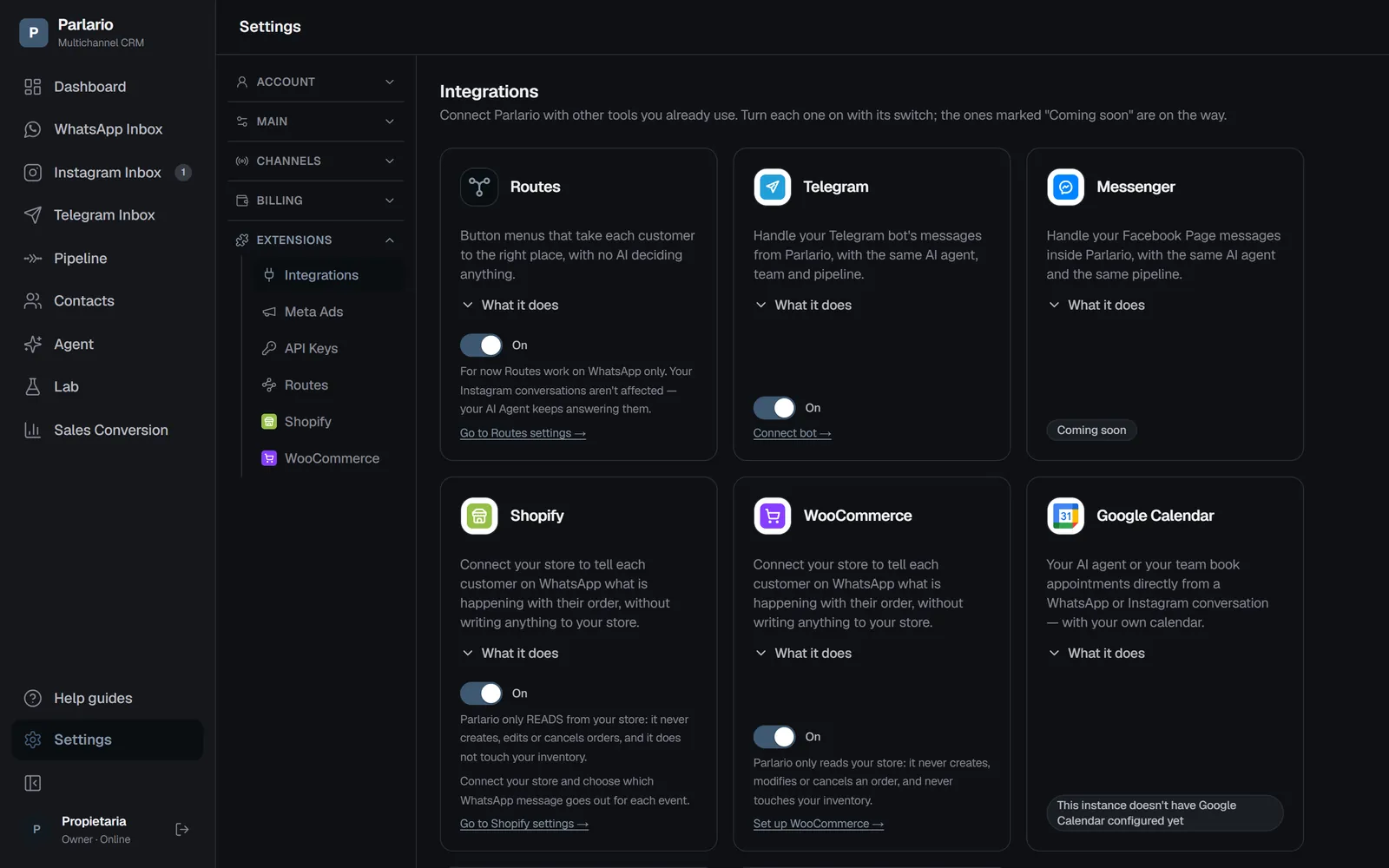
Settings → Integrations: each integration turns on with its switch Create your bot with @BotFather
In the Telegram app, open @BotFather and send /newbot. Choose a name for your bot and a username that ends in "bot" (for example, @MyShopBot).
BotFather gives you a token, which looks like
123456789:AA…. It's the key to your bot: treat it like a password and don't share it.Paste the token in Settings → Channels → Telegram
Paste the token and click Connect bot. Parlario stores it encrypted and afterwards only shows its last 4 characters.
If that bot is already connected to another tool, Parlario warns you and asks you to confirm: connecting it to Parlario makes the other tool stop receiving its messages, because a Telegram bot can only send to one place.
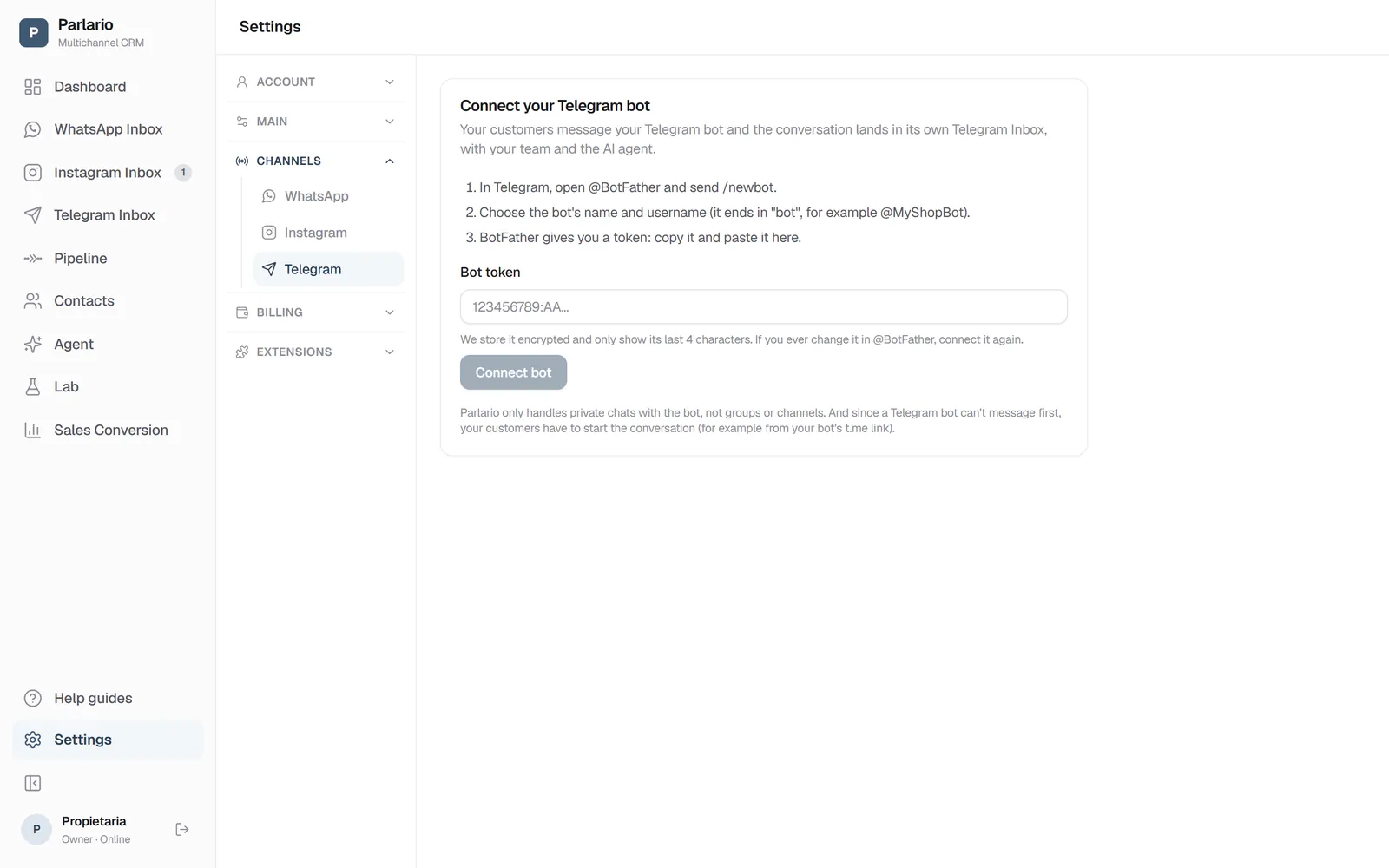
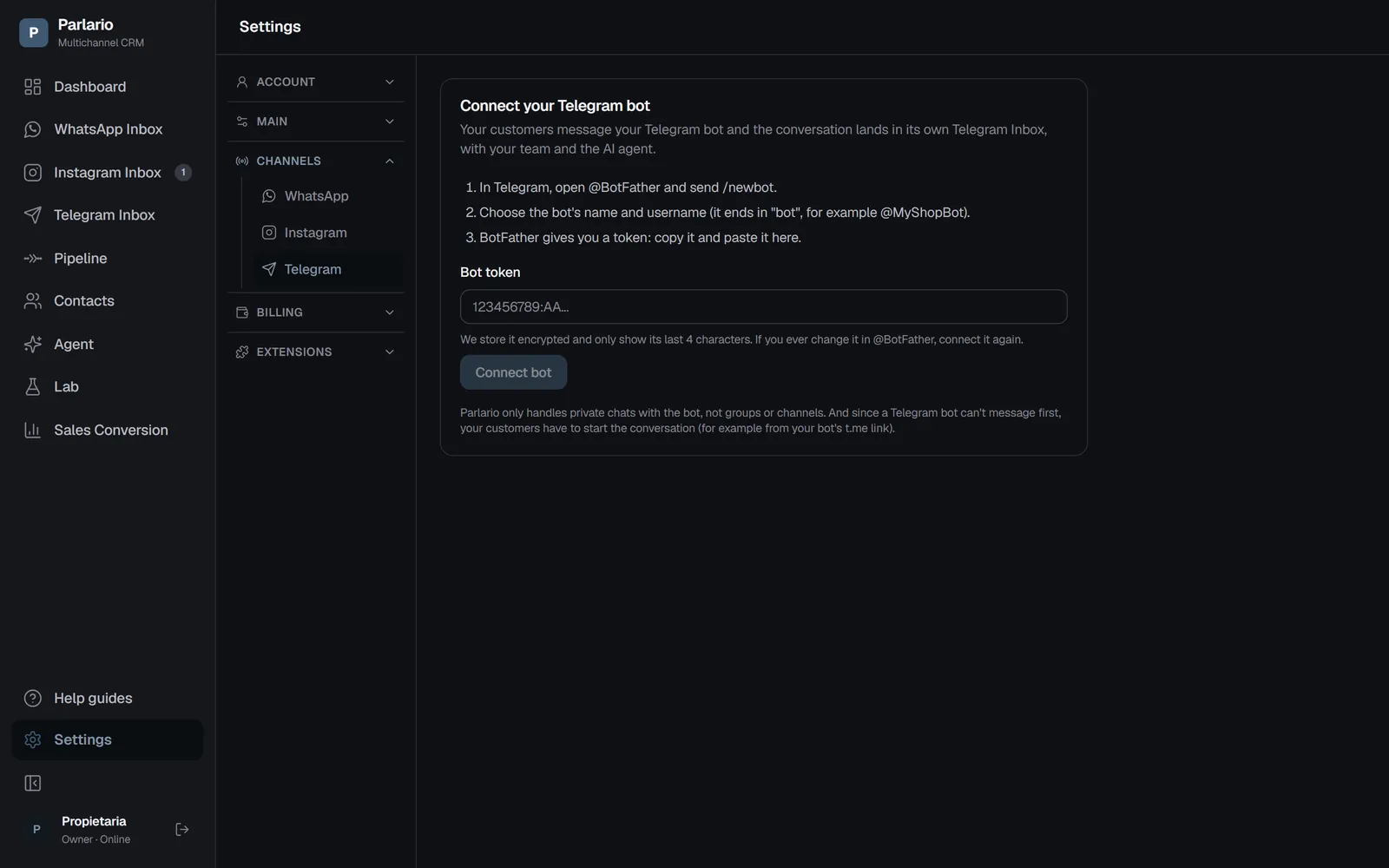
Settings → Channels → Telegram: paste your bot's token here Share your bot's link
The link is t.me/<username> (with the username you chose in BotFather). Put it on your website, on social media or in a QR code.
A Telegram bot can't message first: your customers have to start the chat from that link.
Reply from the Telegram Inbox
Messages arrive in the Telegram Inbox, separate from the WhatsApp and Instagram ones, with the same team, the same AI Agent, the same Pipeline, the same contacts, the same tags, the same Routes and the same push notifications.
Here there is no 24-hour window and no templates: you can always reply.
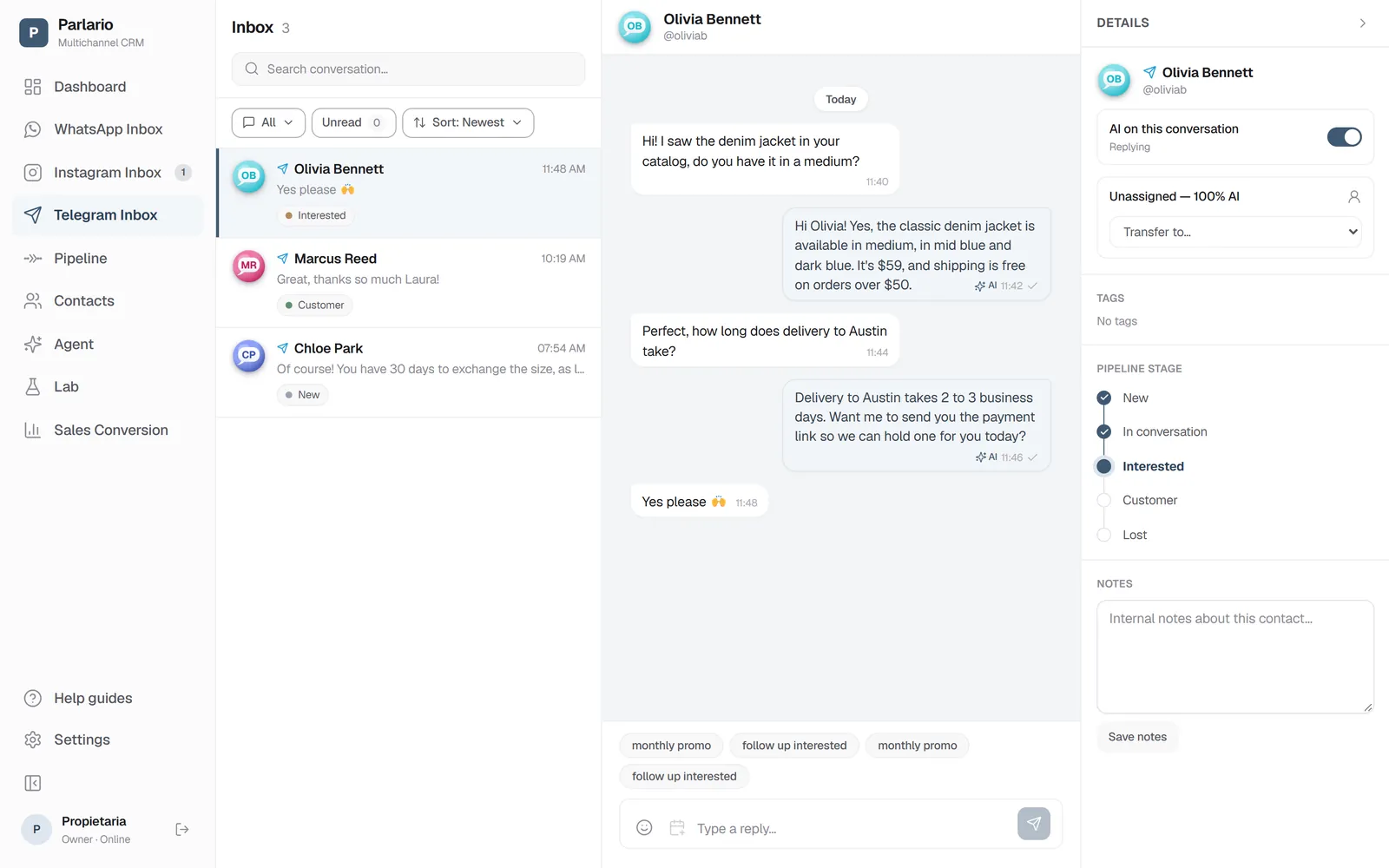
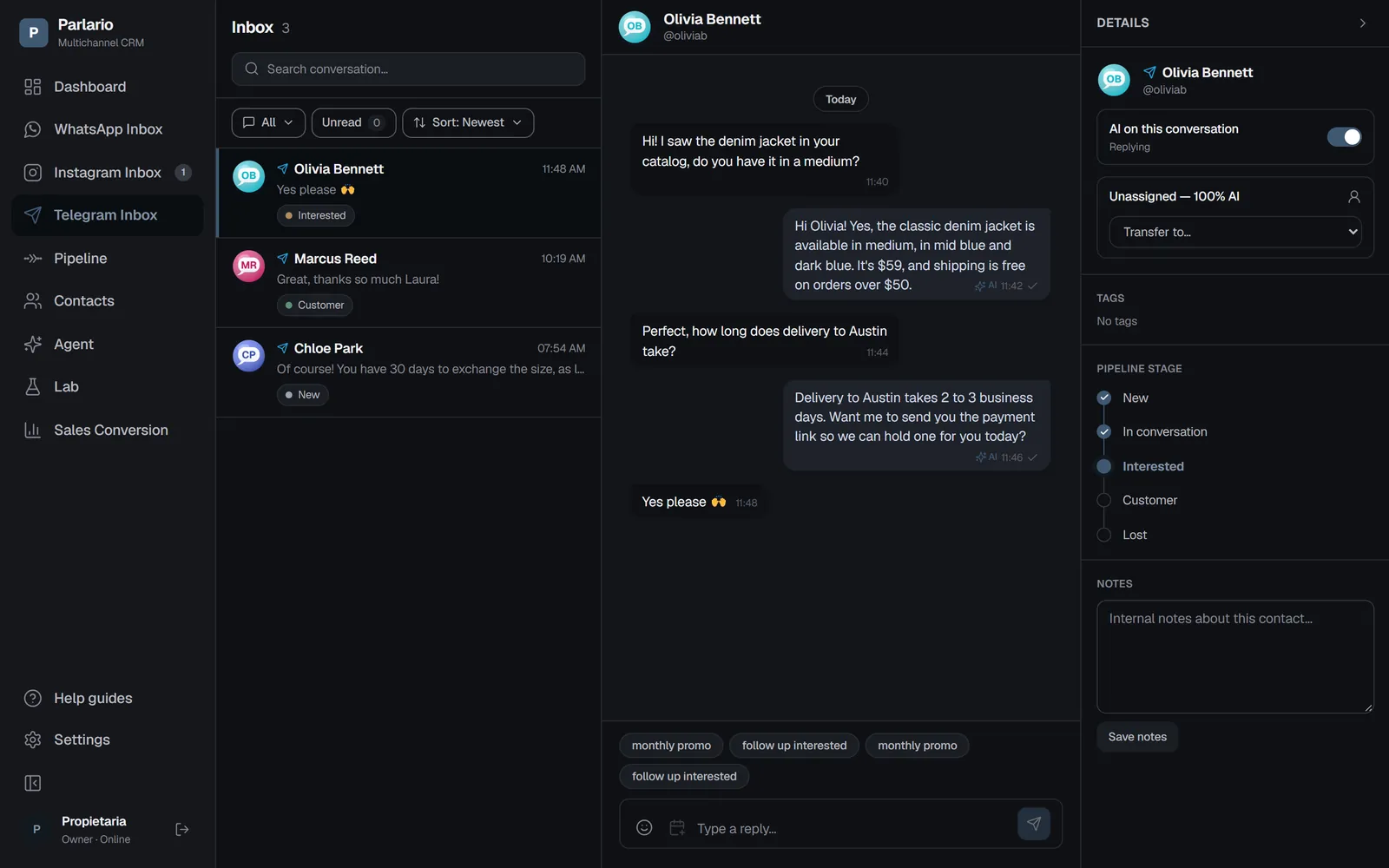
The Telegram Inbox: the customer's @username, the AI Agent's replies and the Pipeline stage
Good to know
- Private chats only. Parlario handles private chats with the bot, not groups or channels.
- Routes work on Telegram (Business and Advanced plans). Your Routes set to «All numbers» answer your bot too: their button menus arrive as buttons under the message that the customer taps, a list shows each option as its own button, a link button opens the page, and files arrive as photos or documents. A customer who opens your bot and taps Start counts as a first message, so a welcome Route greets them right away. The details are in Routes.
- Tags work on Telegram. Anyone on your team adds or removes them from the contact panel in the Telegram Inbox, a Route can add them on its own, and in Contacts you filter Telegram contacts by tag like any other.
- Photos, voice notes, videos and documents show up in the Telegram Inbox: the photo with its caption, a player for voice notes and videos (voice notes are also transcribed, so your AI Agent understands them and replies in writing), and documents open or download with their name. Nothing is stored in Parlario: each file is fetched from Telegram when you open it. Files over 20 MB (Telegram's limit) can't be shown here and the Inbox tells you so.
- One bot per Parlario account, on every plan. It takes one of your plan's connected-account slots, like a WhatsApp number or an Instagram account: on Essential it has its own slot; on Business (3) and Advanced (5) it shares the allowance with WhatsApp and Instagram. If your allowance is full, the screen tells you and the Connect bot button is disabled.
- Telegram doesn't give you the customer's phone number, so a Telegram contact isn't automatically merged with the same person's WhatsApp contact.
If something doesn't work
Parlario says the token isn't valid. Copy it again from @BotFather, in full and without spaces.
Parlario says the token no longer works. This happens when you change it in BotFather. Disconnect the bot and connect it again with the new token.
A customer blocked your bot. Your messages no longer reach that person.
You want to turn Telegram off. First disconnect the bot in Settings → Channels → Telegram, then switch the card off in Settings → Integrations.
Exercise
Recap
- Connecting Telegram is optional and off by default: you turn it on in Settings → Integrations
- You create the bot with @BotFather (/newbot) and paste its token in Settings → Channels → Telegram
- The token is stored encrypted and only its last 4 characters are shown
- A Telegram bot can't message first: share your t.me/<username> link so customers can start the chat
- In the Telegram Inbox there's no 24-hour window, no templates and no per-message cost
- Your Routes answer on Telegram too, with real buttons the customer taps, and your team tags Telegram contacts the same way as any other
- Private chats only, one bot per account, available on all plans
To unmark the lesson, select the button again.
Questions? Visit our support portal: support.parlario.co